 AppUnwind
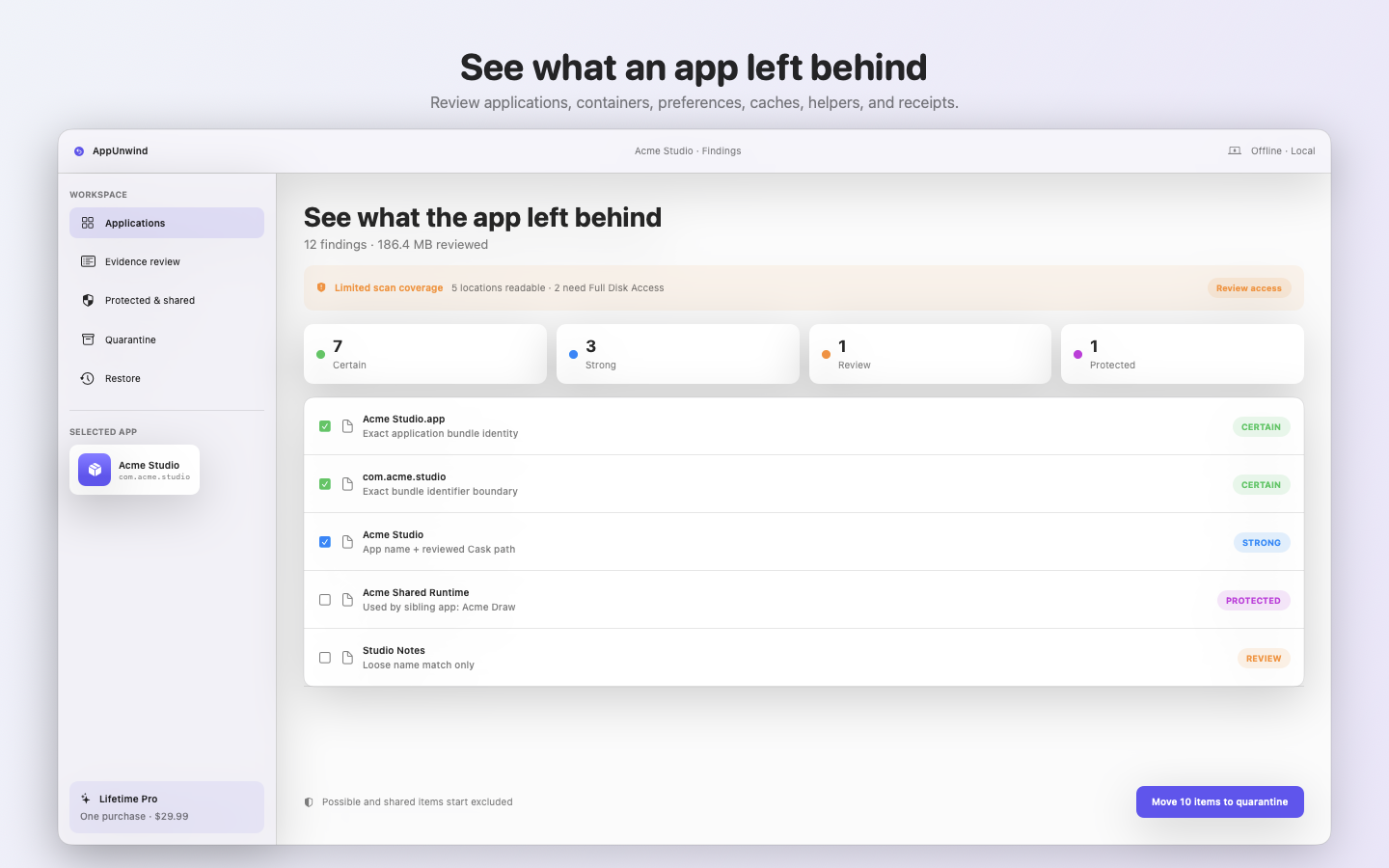
Certain · selected
com.acme.studio
Exact bundle identifier boundary plus matching container metadata.
Mac app uninstaller with evidence and undo
See every related file, understand every match, and restore anything you removed. Low-confidence and shared items start excluded.
Searching for a safer uninstall?
Deleting the .app is only the visible first step.Read the complete Mac uninstall guide01 / Inspectable matching
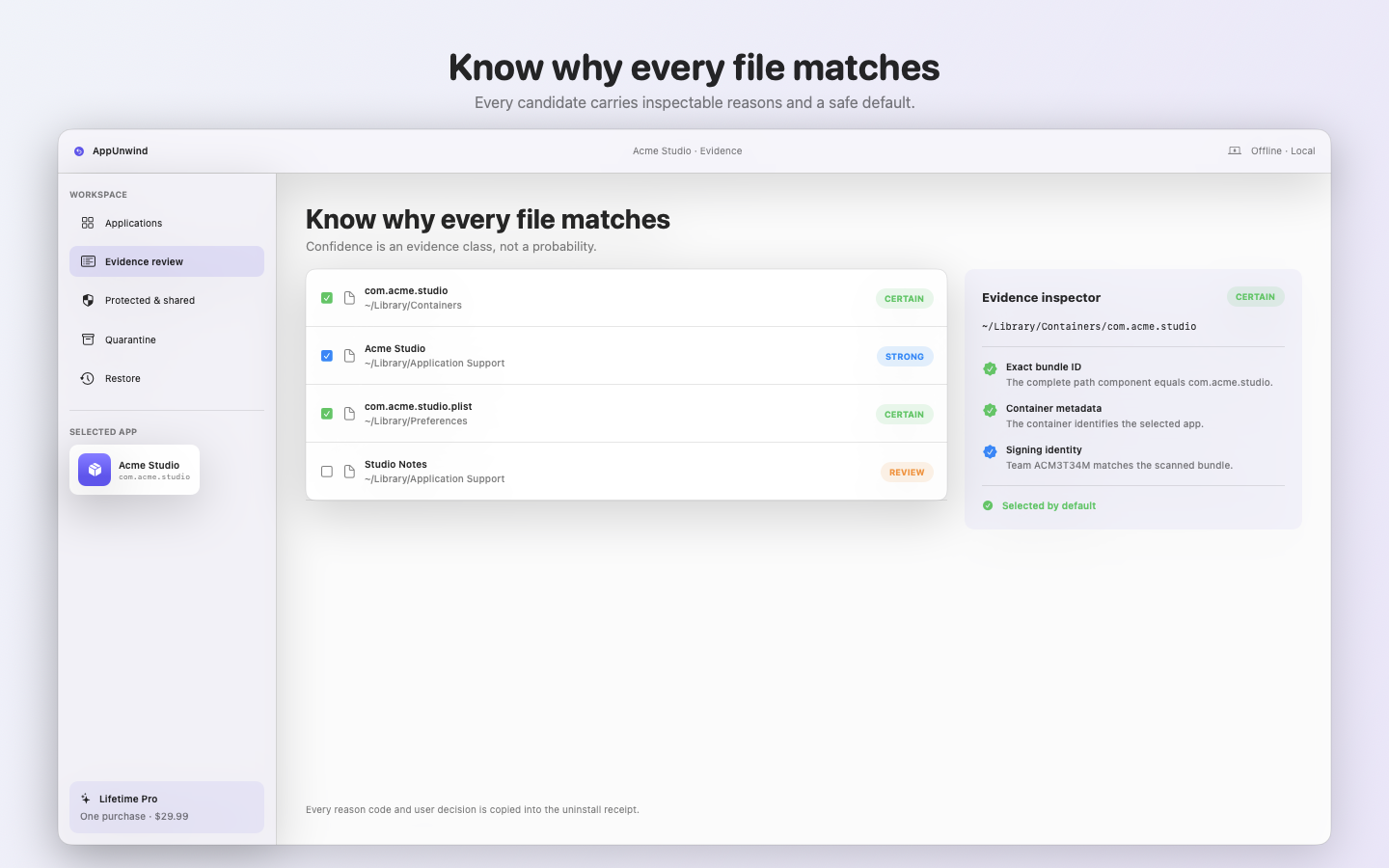
An ordered confidence label is not a probability. AppUnwind records which exact signal matched and which safety rule changed the decision.
Certain · selected
Exact bundle identifier boundary plus matching container metadata.
Strong · selected
App-name boundary plus a reviewed Homebrew Cask path rule.
Possible · excluded
Only a loose name heuristic matched. Review before including.
02 / Shared-file firewall
Sibling apps, a different signing team, symbolic links, system roots, and vendor-supported product classes fail closed.
Read the matching methodExcluded automatically
Another installed app uses this vendor resource.
03 / Reversible by default
Same-volume items move into quarantine. Cross-volume copies must match their SHA-256 digest before the source is removed.
Bundle and signing identity captured.
Source preserved until any copy verifies.
Every move, skip, exclusion, and failure.
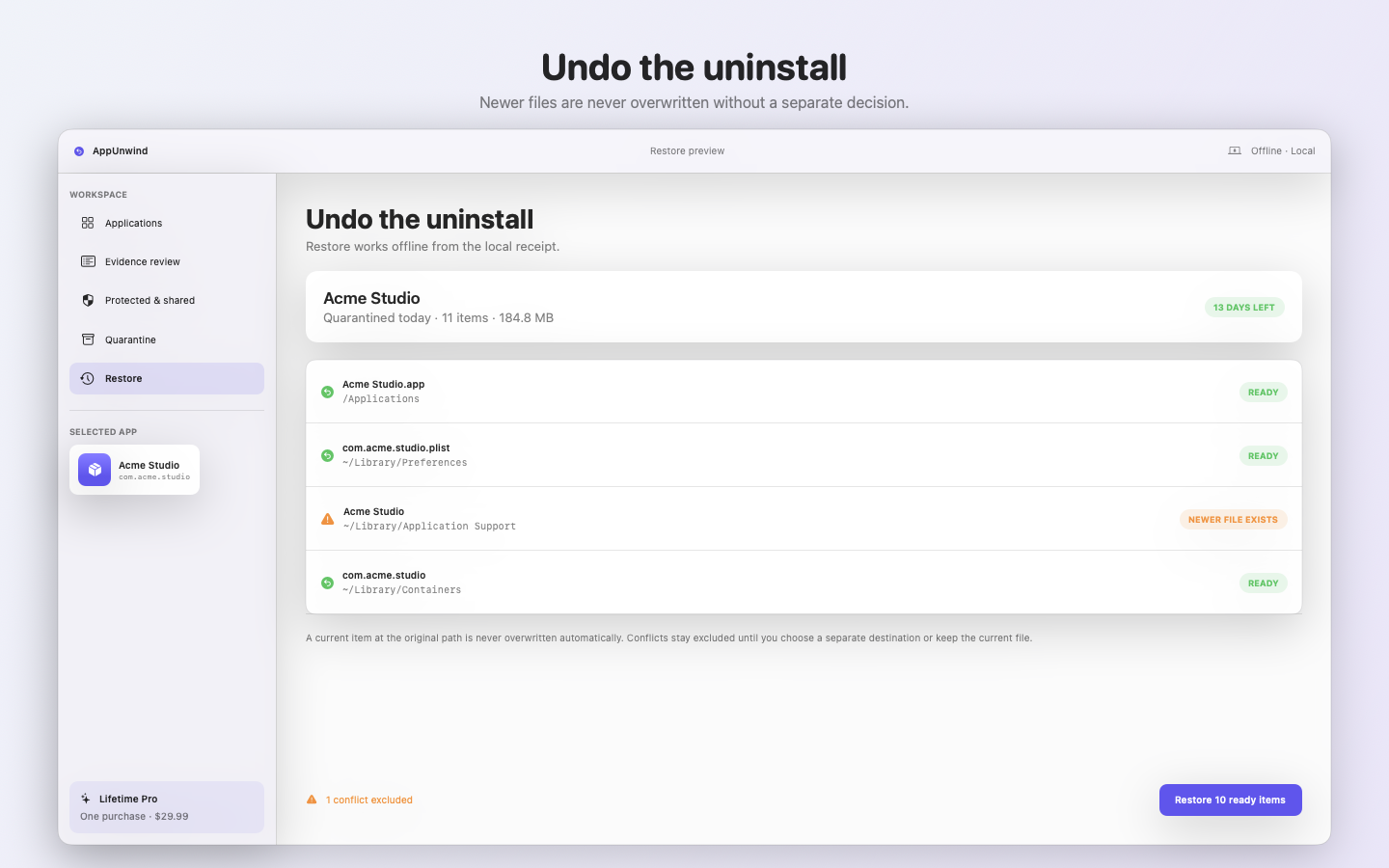
Newer conflicts wait for your decision.
Undo without an account
Restore works without a network connection. A newer item at the original path is never overwritten automatically.
Straightforward ownership
Free
Lifetime Pro
Full Disk Access, explained
AppUnwind works in limited mode and names locations it could not inspect. Full Disk Access expands coverage; it never makes a shared or protected file selectable by default.
Readable user and system Library locations are listed. Root-owned items may still require the supported vendor workflow.
Review coverage detailsDirect release verification
The public package remains gated until every artifact check is recorded.
Plain answers
No. Certain and strong candidates may start selected; possible and shared items start excluded. You review the final plan before anything moves.
No. VPNs, endpoint security, drivers, system extensions, tamper-protected products, and root-owned components are sent to a supported vendor workflow.
No. It is recoverable local storage with a receipt. The receipt records a retention target, but version 1.0 performs no automatic deletion and makes no irreversible deletion claim.
A sandboxed Mac App Store utility cannot honestly inspect and move another app’s support files. Direct distribution still requires Developer ID signing, Apple notarization, and Gatekeeper verification.
In release preparation
One release email. No tracking pixel and no countdown campaign.
Get the release note